In this article
- Introduction
- Shopify changed the B2B starting line in 2026
- A business buyer is not just a consumer with a larger cart
- The strongest model is often two journeys, not two businesses
- What the storefront should do differently
- 1. Make wholesale discoverable without interrupting retail
- 2. Replace the generic quantity box with buying context
- 3. Give specification the same priority as persuasion
- 4. Offer the right next action for the order
- 5. Design the signed-in account as a buying workspace
- Theme, native B2B, or app? Know which layer owns the job
- A practical Shopify B2B storefront audit
- When this model makes sense—and when it does not
- The opportunity is not to ‘add wholesale.’ It is to design for the second buyer
Core Shopify B2B features are now available on Basic, Grow, Advanced, and Plus plans, with plan-specific feature limits. A DTC storefront still needs a distinct experience for business buyers. Themes should explain quantity rules, pricing context, lead times, specifications, and next actions while Shopify, apps, Functions, backend systems, or Plus enforce the commercial logic.
Key takeaways
- Foundational Shopify B2B features expanded beyond Plus in April 2026.
- A business buyer has a different job, not merely a larger cart.
- The storefront, Shopify B2B, and custom workflow layers have different responsibilities.
- A useful first test is one product, one company, one catalog, and one realistic high-quantity order.
Your Shopify store is probably very good at selling one product at a time.
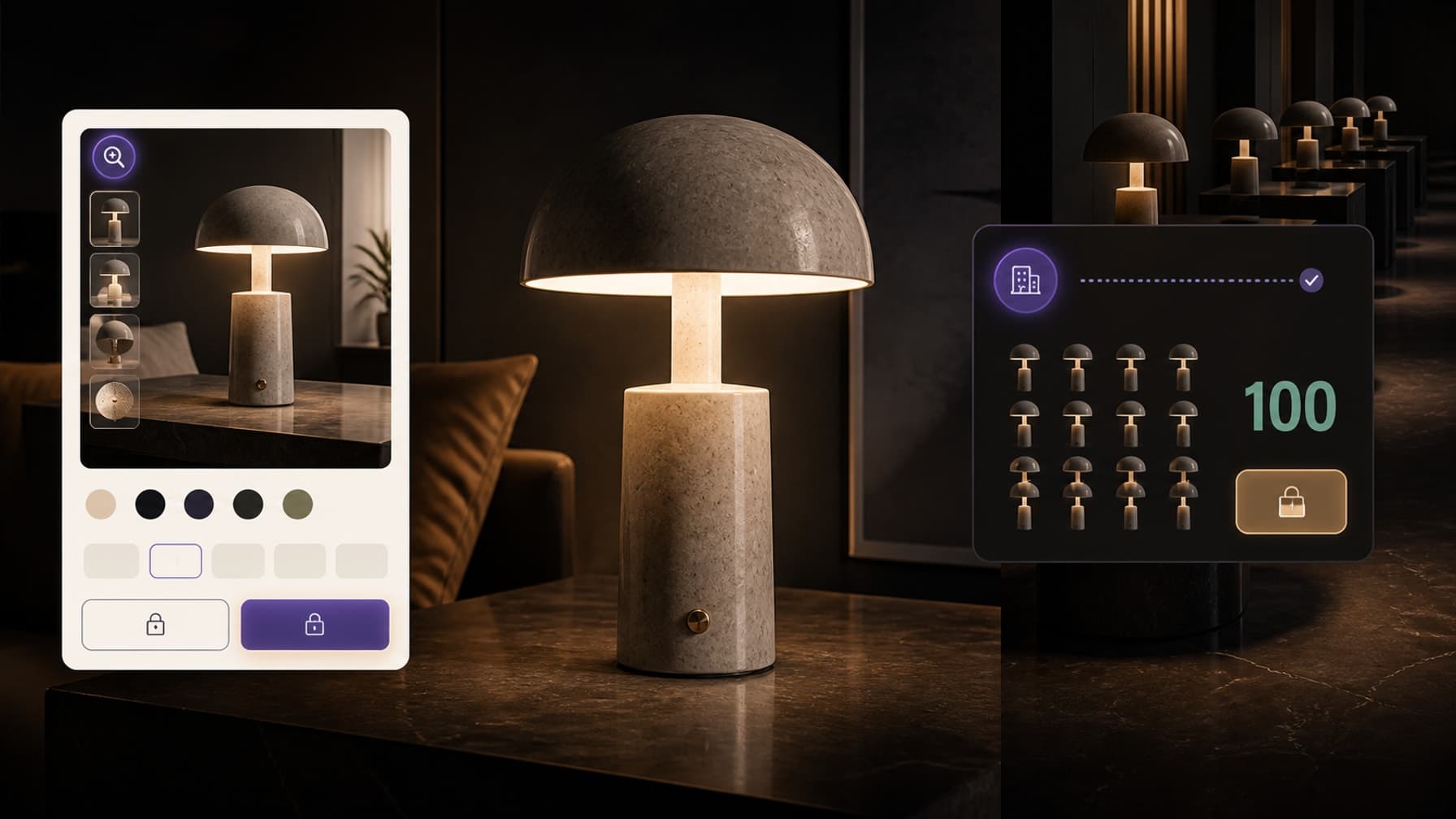
But what happens when the next customer wants 100?
Imagine a premium lighting brand. A homeowner visits a product page, compares finishes, checks the dimensions, and buys one lamp.
An interior designer may want 20. A restaurant group may need 50. A hotel project may need 100 across several locations.
The product can be identical. The buying job is not.
The consumer asks: Will this lamp look right in my room?
The business buyer asks: Can you supply the quantity, meet the project date, document the specification, apply the right price, and make the next order easier?
That difference is easy to miss when a storefront has been optimized entirely around the individual shopper. It is also more timely than it was a year ago.
Shopify changed the B2B starting line in 2026
Until recently, an article about native Shopify B2B would have started with Shopify Plus. That is now outdated.
On April 2, 2026, Shopify extended foundational B2B features to Basic, Grow, and Advanced plans. Those plans can now use company profiles, payment terms, quantity rules, volume pricing, vaulted credit cards, and up to three active B2B catalogs assigned through Markets. The current Shopify B2B plan matrix also lists easy reorders, purchase-order numbers, quick order lists, and Shopify Flow support across plans.
This does not make every plan equivalent.
Shopify Plus still supports unlimited catalogs, direct catalog assignment to specific companies and company locations, deposits, partial payments, and payment requests per fulfillment. Contextual storefront and checkout experiences through Markets are available on Advanced and Plus. Stores on Basic, Grow, and Advanced also need the new Shopify Markets to use B2B catalog features.
The correction matters because it changes the strategic question.
For many growing brands, the first barrier is no longer “Can Shopify represent a company buyer at all?” It is “Have we designed an experience that lets that buyer understand the offer and complete their job?”
A business buyer is not just a consumer with a larger cart

Putting 100 units into a normal quantity selector does not create a B2B experience.
A larger order introduces more dependencies:
Price: Is there a published volume break, a negotiated company price, or a quote process?
Quantity: Is there a minimum, maximum, case size, or required increment?
Availability: Are 100 units available now, reserved after approval, or produced to order?
Timing: What is the dispatch estimate, production lead time, and delivery window?
Specification: Can the buyer download dimensions, certifications, installation instructions, care information, or CAD files?
Authority: Is the person browsing allowed to place the order, or do they need internal approval?
Payment: Is payment due now, on fulfillment, or on net terms? Is a deposit required?
Identity: Which company and location is making the purchase? Which catalog and tax treatment apply?
Repetition: Can the buyer duplicate a previous order instead of rebuilding it line by line?
A consumer product page is often designed to create confidence and momentum. A strong B2B experience must also create operational certainty.
That does not mean making the page dense. It means revealing the right information at the right point in the journey.
The strongest model is often two journeys, not two businesses
Shopify supports both blended and dedicated B2B stores.
A blended store serves DTC and B2B buyers from the same store and admin. Products and inventory can be shared, while catalogs control B2B product availability and pricing. Logged-out visitors remain DTC buyers; approved company contacts sign in to see their B2B context.
A dedicated B2B store separates wholesale more completely. It can have its own theme, navigation, apps, policies, and operational defaults. It is useful when the catalog, markets, team, integrations, or buying journey differ enough that sharing one storefront creates more complexity than it removes.
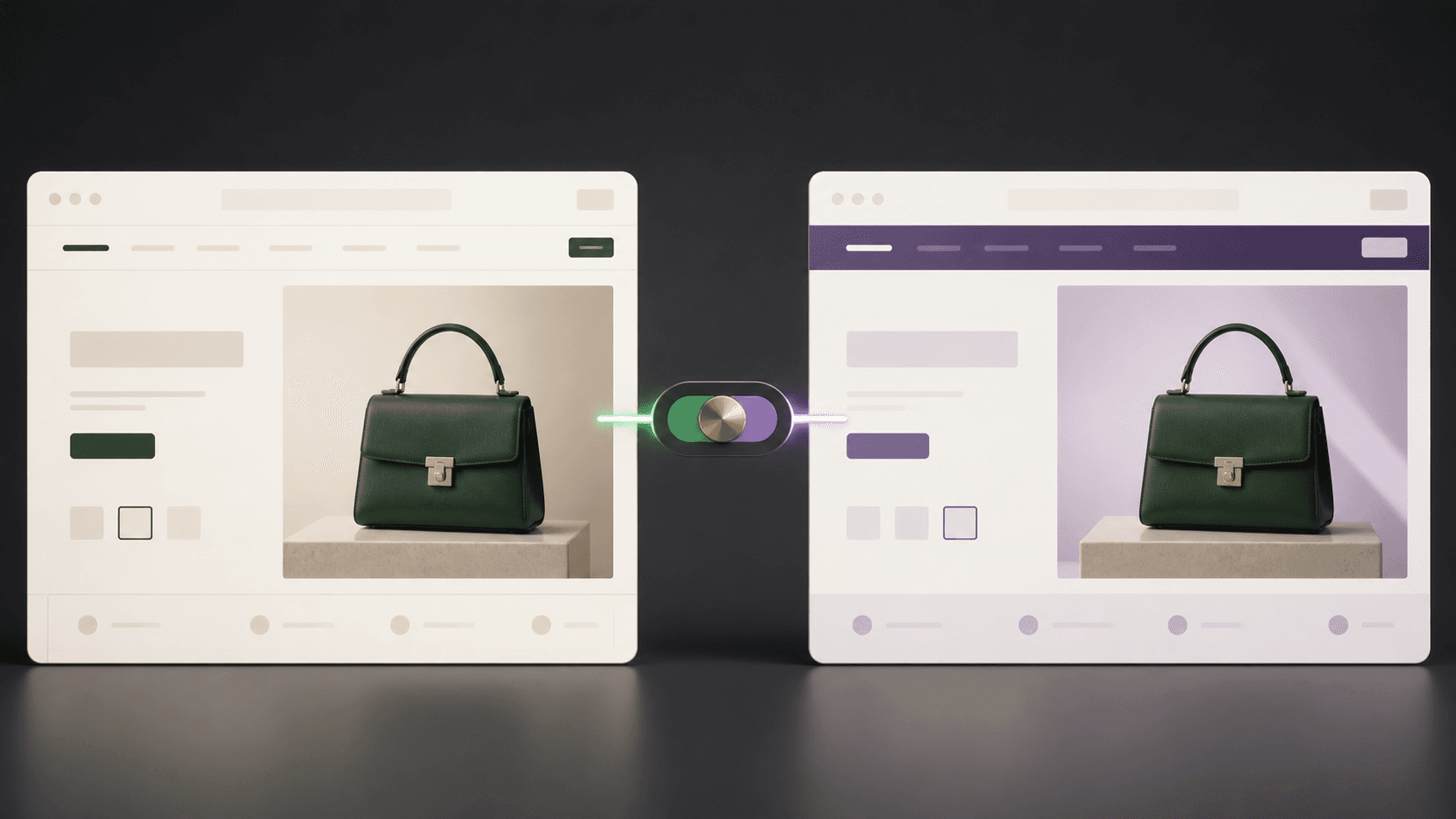
For a DTC brand testing a credible wholesale opportunity, the blended model can be the smaller first experiment. But “same store” should not mean “same exact interface.”
Shopify's own store-type guidance notes that blended stores share branding and, by default, inventory, shipping settings, and other store behaviours. The theme can still adapt what a logged-in B2B customer sees. Advanced and Plus add market-context editing; custom themes can use B2B Liquid context for more targeted presentation.
The practical principle is simple:
Keep one brand system. Change the buying controls and information when the buyer's job changes.
What the storefront should do differently
Consider the lighting product page again.
1. Make wholesale discoverable without interrupting retail
A consumer should not have to choose between “retail” and “wholesale” before they understand the product. A business buyer should not have to search the footer for proof that trade ordering exists.
Useful entry points include:
a restrained “Trade & project orders” link in navigation or the product buying area;
a wholesale information page explaining eligibility, lead times, minimums, documents, and the approval process;
a company account request form for prospective buyers;
a sign-in path for approved company contacts.
Shopify supports company account requests through the Shopify Forms app. A submission can create a company, company location, and customer record for review. That is an access workflow—not a product quote workflow.
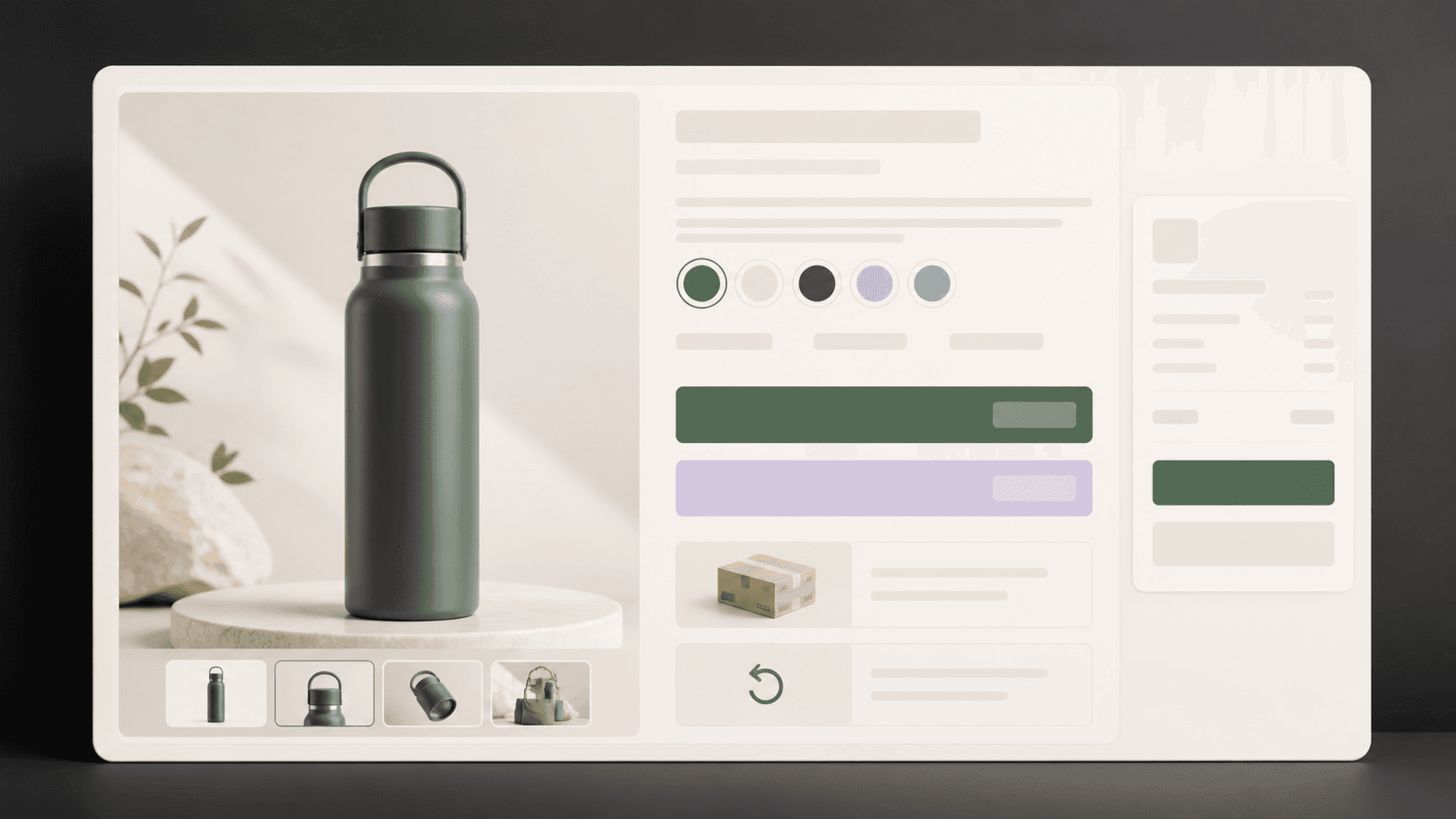
2. Replace the generic quantity box with buying context
For one lamp, a minus button, the number one, and a plus button may be enough.
For 100 lamps, the interface should answer more:
sold individually or in cases;
order increment;
minimum and maximum;
price at 20, 50, and 100;
per-unit and line totals;
available quantity or lead-time status;
whether mixed finishes can satisfy a minimum;
what happens when the requested quantity exceeds available stock.
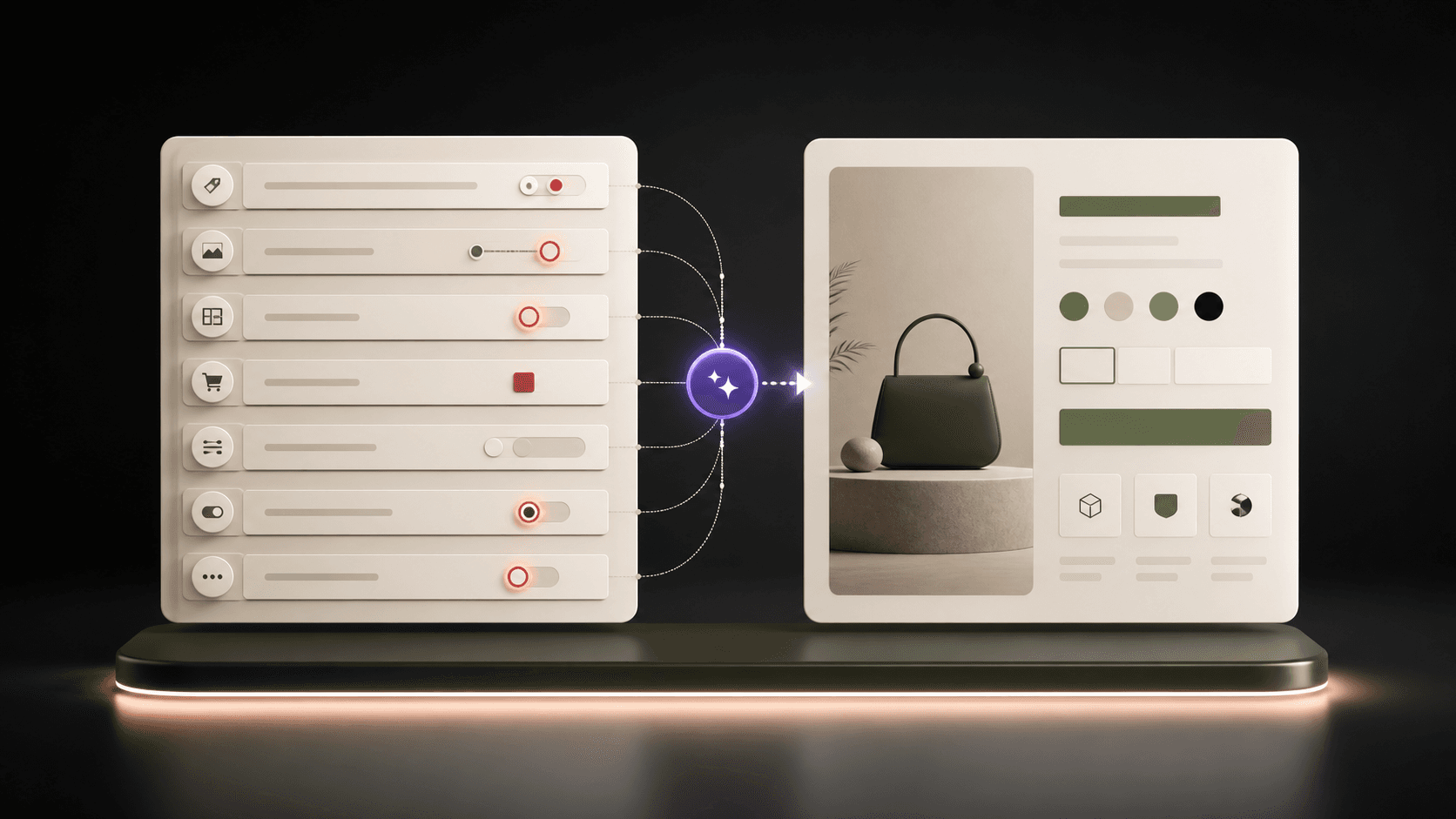
Shopify's native quantity rules and volume pricing can enforce minimums, maximums, increments, and price breaks at variant level. Shopify explicitly advises that the theme display a minimum on the product page. The rule can live in Shopify; the theme still has to make it understandable before checkout rejects the cart.
3. Give specification the same priority as persuasion
The lifestyle image helps a designer imagine the lamp in a space. It does not tell a contractor whether the fixture is compatible with the project.
A business-ready product page may need:
a concise specification table;
dimensions and weight;
voltage, bulb, plug, material, finish, or compliance details;
installation and maintenance guides;
downloadable spec sheets, certificates, warranty terms, or CAD files;
packaging dimensions and case quantity;
replacement-part information.
This is largely a content-model and theme problem. Metafields and metaobjects can hold structured product information; the theme decides how it is grouped, scanned, downloaded, and maintained across products.
4. Offer the right next action for the order
Not every business purchase should end with the same button.
A repeat buyer with assigned pricing may be ready to add 50 and check out.
A designer specifying a future project may need to download documents or request samples.
A hotel order with uncertain quantities may need a quote.
A new retailer may need to apply for a company account.
A high-value order may need to be submitted as a draft for review.
Shopify supports submitting B2B orders as drafts for staff review and invoicing. However, buyer-facing RFQ and negotiation workflows generally require a compatible app or custom solution.
The theme can place and style the CTA. It cannot become the quote engine by changing button text.
5. Design the signed-in account as a buying workspace
Approved B2B customers must use Shopify customer accounts to access their company pricing and products. A contact assigned to multiple locations must be able to choose which location they are purchasing for.
Once signed in, the experience should make the company context obvious:
current company and location;
assigned products and pricing;
payment terms;
shipping destination;
order history and status;
reorder action;
permissions where multiple contacts buy for the company.
Shopify supports companies, locations, contacts, location permissions, PO numbers, account-based reorders, and B2B-aware theme objects. Shopify's theme documentation specifically recommends a location picker when a customer can buy for more than one company location.
The design goal is not to make the account area look impressive. It is to remove the repeated administrative work around every order.
Theme, native B2B, or app? Know which layer owns the job
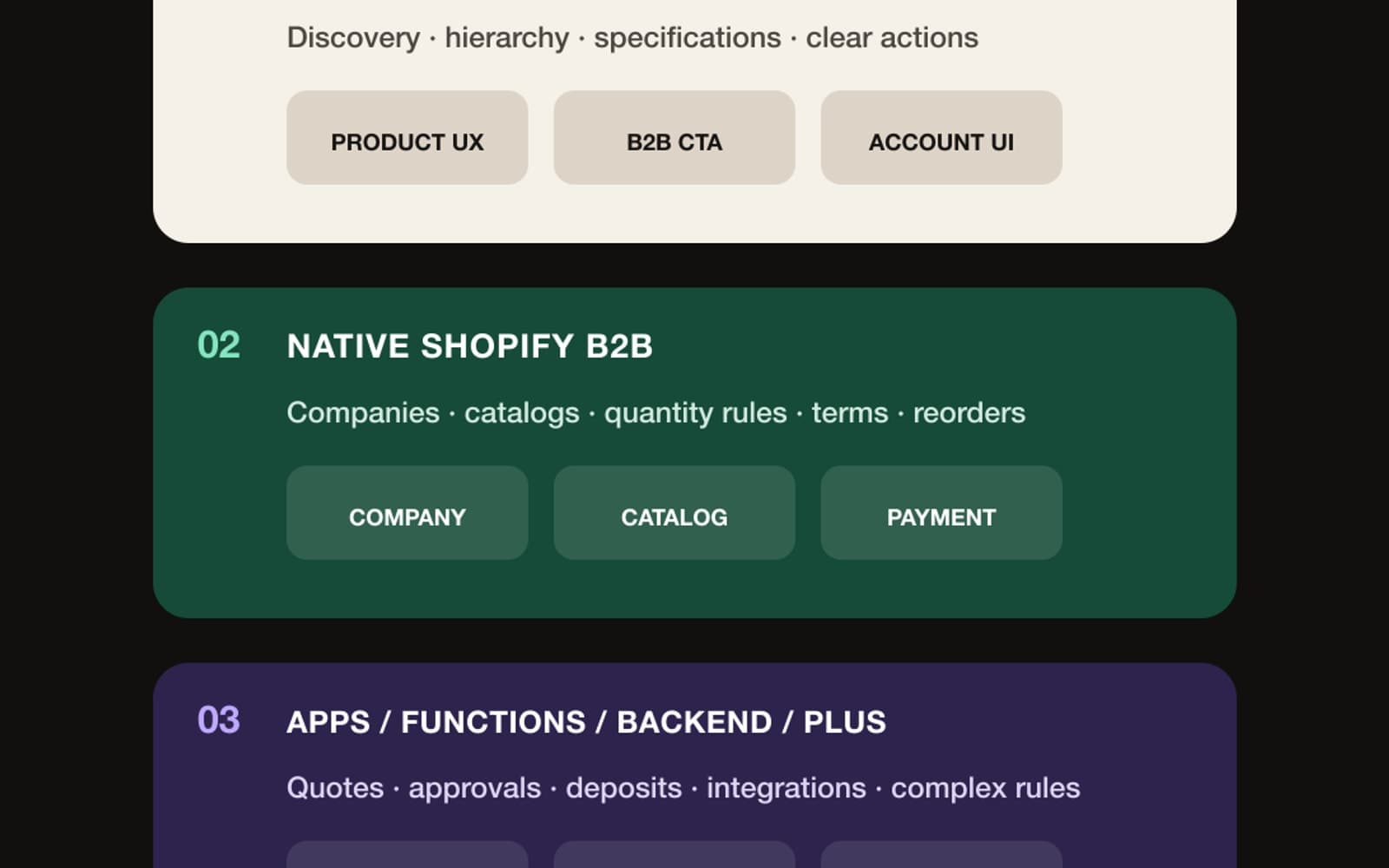
This is where technically accurate planning matters.
Storefront need | Theme / storefront UX | Native Shopify B2B | App, Function, backend, or higher plan |
|---|---|---|---|
Explain wholesale terms, lead times, case sizes, and specifications | Yes: content, templates, metafields, downloads, hierarchy | Supplies some contextual data | Document management or complex data sync may need an app/backend |
Show a B2B-specific CTA, navigation, login prompt, or company location | Yes: Liquid/theme context and account UX | Identifies the signed-in company/location | Market editor context is Advanced/Plus; deeper account UI may need extensions |
Enforce minimums, maximums, increments, and volume breaks | Theme displays the rules clearly | Yes, via catalogs and quantity rules | Custom conditions beyond native rules may need Functions/apps |
Show assigned products and prices | Theme renders the result | Yes, via B2B catalogs | Direct customer/location catalog assignment and unlimited catalogs require Plus |
Support payment terms, PO numbers, vaulted cards, and reorders | Theme/account UX exposes the path | Yes across supported plans | Regional payment availability and integrations vary |
Require deposits or take partial payments | Theme can explain the policy | Native support is plan-gated | Deposits and partial payments require Plus; dynamic logic may need apps/Functions |
Let a buyer request and negotiate a quote | Theme can place the entry point | Draft orders can support review and invoicing downstream | Buyer-facing RFQ generally needs an app or custom workflow |
Apply complex shipping, payment, approval, ERP, or EDI rules | Theme should communicate outcomes | Some settings are native | Usually apps, Functions, APIs, and backend integrations |
A theme is the experience layer. It can make B2B logic visible, understandable, and usable. It should not be treated as the source of truth for negotiated pricing, credit terms, company permissions, tax treatment, or inventory allocation.
A practical Shopify B2B storefront audit
Run this audit on one product that could plausibly be purchased by a business.
Identify the second buyer. Name the actual role: designer, retailer, hotel buyer, office manager, contractor, corporate-gifting manager, or another qualified buyer.
Choose a realistic quantity. Use 20, 50, or 100—not “bulk.”
List the decision questions. Price, minimums, increments, stock, lead time, documents, delivery, payment, approval, and reorder.
Mark each answer's source. Product metafield, catalog, company record, inventory, policy, app, ERP, or human owner.
Test the logged-out path. Can a promising buyer discover the trade option and understand how to qualify?
Test the approved-account path. Are company, location, products, price, terms, and next action correct?
Test the high-quantity edge. What happens when the buyer requests more than available stock or crosses a price break?
Test the human handoff. Can a buyer ask for help or a quote without losing the product, quantity, and company context?
Test the second order. Is reordering easier than the first purchase?
Do not begin by redesigning the whole store. Begin with one product, one company profile, one catalog, and one test order. Shopify's B2B testing guide recommends testing with a company, location, catalog, and B2B customer profile so pricing, payment terms, and checkout settings can be verified in context.
When this model makes sense—and when it does not
The DTC-plus-B2B model is especially plausible for products that businesses buy repeatedly or specify across a project:
lighting, furniture, fixtures, and architectural finishes;
beauty, wellness, and salon products;
food, beverage, and hospitality supplies;
apparel, uniforms, merchandise, and corporate gifting;
homewares, stationery, and retail-ready goods;
equipment, parts, accessories, and professional supplies.
But a wholesale link does not create a viable channel.
Before investing, confirm that the brand can support volume without breaking margin, inventory, fulfillment, lead-time promises, customer service, or channel relationships. Decide who qualifies, how prices are set, what the minimum economics are, and who owns approvals and exceptions.
Also avoid assuming that every business buyer wants a fully automated checkout. McKinsey's 2026 Global B2B Pulse, based on nearly 4,000 decision-makers across 13 countries, found that buyer preferences still vary by situation: frequent transactions are more likely to favour digital self-service, while infrequent large orders tend to need more human interaction. The storefront should make simple repeat purchasing fast and complex projects easy to escalate.
The opportunity is not to ‘add wholesale.’ It is to design for the second buyer
DTC may have built the brand. B2B may become another useful growth channel.
The important word is may.
Shopify has made native B2B more accessible across its plans. That lowers the cost of a serious test. It does not remove the need for product economics, operations, buyer qualification, or careful experience design.
Start with the moment your current store handles poorly: the customer who does not want one.
If that buyer can understand the product, see the right commercial terms, choose a workable path, and return to order again, the storefront is doing more than accommodating a large cart. It is serving a second customer type without losing the first.
Appexa designs and develops Shopify themes, storefronts, and extensions around real buyer journeys. If wholesale demand is already appearing in your inbox, a focused B2B storefront-readiness audit can show what belongs in the theme, what belongs in Shopify, and what requires a deeper workflow.
Frequently asked questions
Is Shopify B2B available without Shopify Plus?
Yes. Foundational features are available on Basic, Grow, Advanced, and Plus, with plan-specific limits.
What Shopify B2B features still require Plus?
Examples include unlimited catalogs, direct company or location catalog assignment, deposits, partial payments, and payment requests per fulfillment.
Can one Shopify store serve DTC and B2B?
Yes. Shopify supports a blended store, although a dedicated B2B store may be better when journeys, integrations, teams, or regions differ significantly.
Can a Shopify theme create wholesale pricing and terms?
No. A theme displays and explains B2B context; pricing, terms, permissions, and enforcement must come from Shopify or connected systems.
Does Shopify B2B include Request a Quote?
Native draft orders support review and invoicing downstream, but buyer-facing RFQ and negotiation generally require an app or custom workflow.
Sources
- Shopify Changelog — Key B2B features now available on non-Plus plans
- Shopify B2B features by plan
- Overview of Shopify B2B features
- Choosing a B2B store type
- Quantity rules and volume pricing
- Support B2B customers in your Shopify theme
- Shopify B2B company account requests
- Testing your Shopify B2B setup
- Shopify Editions — Spring '26
- McKinsey 2026 Global B2B Pulse